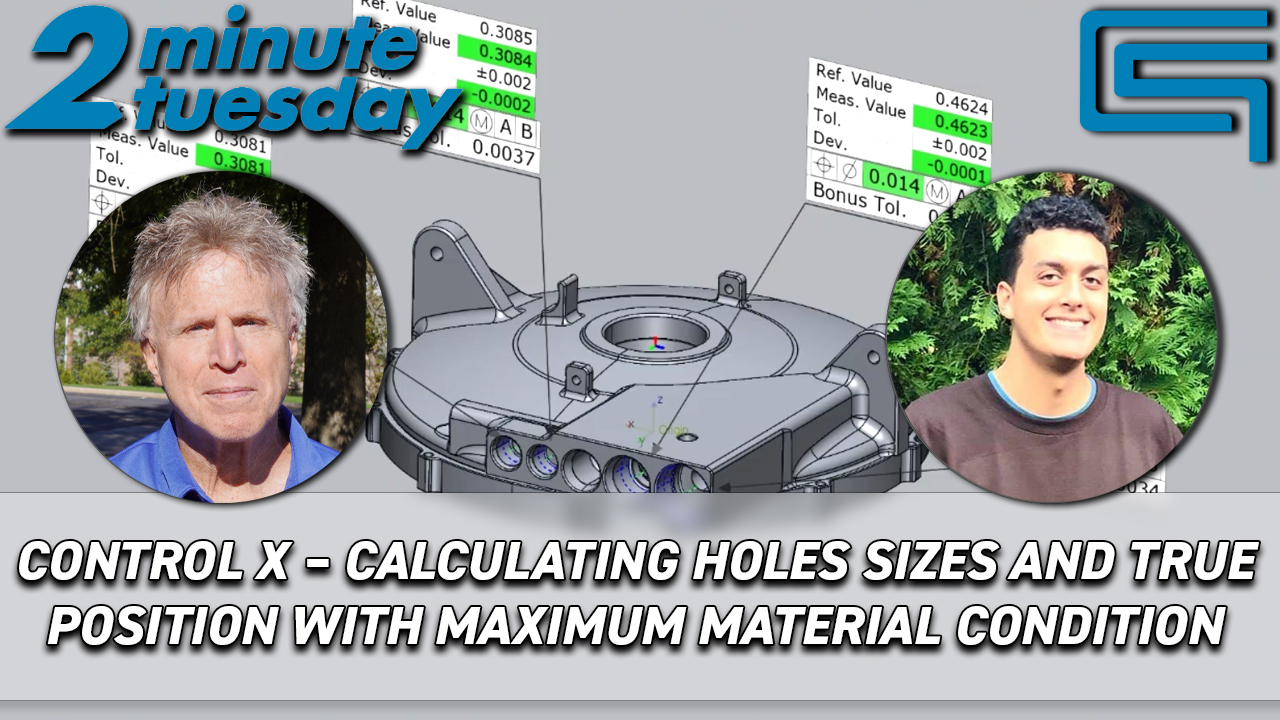
Drag-n-Drop Operations Import – Mastercam 2017 In previous versions, toolpath import could only be accessed via the right click menu in the operations manager. But now you can simply drag-n-drop the source file on the target file’s toolpath manager. By Cimquest Marketing|2016-12-15T14:30:57-05:00August 1st, 2016|Categories: CQTV, MC 2017 Video Series|0 Comments Share This Story, Choose Your Platform! FacebookXRedditLinkedInTumblrPinterestVkEmail About the Author: Cimquest Marketing Related Posts Cimquest Showcases Cutting-Edge 3D Technologies at EASTEC & MD&M East Gallery Cimquest Showcases Cutting-Edge 3D Technologies at EASTEC & MD&M East Corrax, what’s all the buzz? | 2 Minute Tuesday Gallery Corrax, what’s all the buzz? | 2 Minute Tuesday 2MT CX Calculating Hole Sizes and True Position with MMC| 2 Minute Tuesday Gallery 2MT CX Calculating Hole Sizes and True Position with MMC| 2 Minute Tuesday Freeform Plus – Redefining Patient Specific 3D Design | 2 Minute Tuesday Gallery Freeform Plus – Redefining Patient Specific 3D Design | 2 Minute Tuesday Formlabs Fuse 1+: Setting Up Your Next Print with Ease | 2 Minute Tuesday Gallery Formlabs Fuse 1+: Setting Up Your Next Print with Ease | 2 Minute Tuesday Leave A Comment Cancel replyComment Δ







Leave A Comment